

Choosing BX fonts for your kiosk
What to check before you buy a font: the kind and sizes for what you sell, the letters it includes, script and monogram fonts, stitch quality, the licence, and trying it as a draft.
Overview
The fonts on your kiosk are what customers judge your work by, and a font that looks lovely in a seller's photo can still be a poor kiosk font: missing letters, the wrong sizes, or a licence that doesn't cover selling the stitched item. This guide walks through what to check before you buy a BX font, and how to try it in ThreadReady before customers see it. If you're not sure what a BX font is, start with What are BX fonts?
Start from what you sell
Write down the items you personalize and how tall the lettering usually is on each. For example:
| Item | Typical letter height |
|---|---|
| Caps, cuffs, small pockets | 0.25–0.75 in (6–19 mm) |
| Shirts, bags, bibs | 1–1.5 in (25–38 mm) |
| Towels, stockings, pillows | 2–3 in (50–75 mm) |
| Blankets | 3–4 in (75–100 mm) |
That list decides which kind of font fits and which sizes to buy.
Pick the kind of font
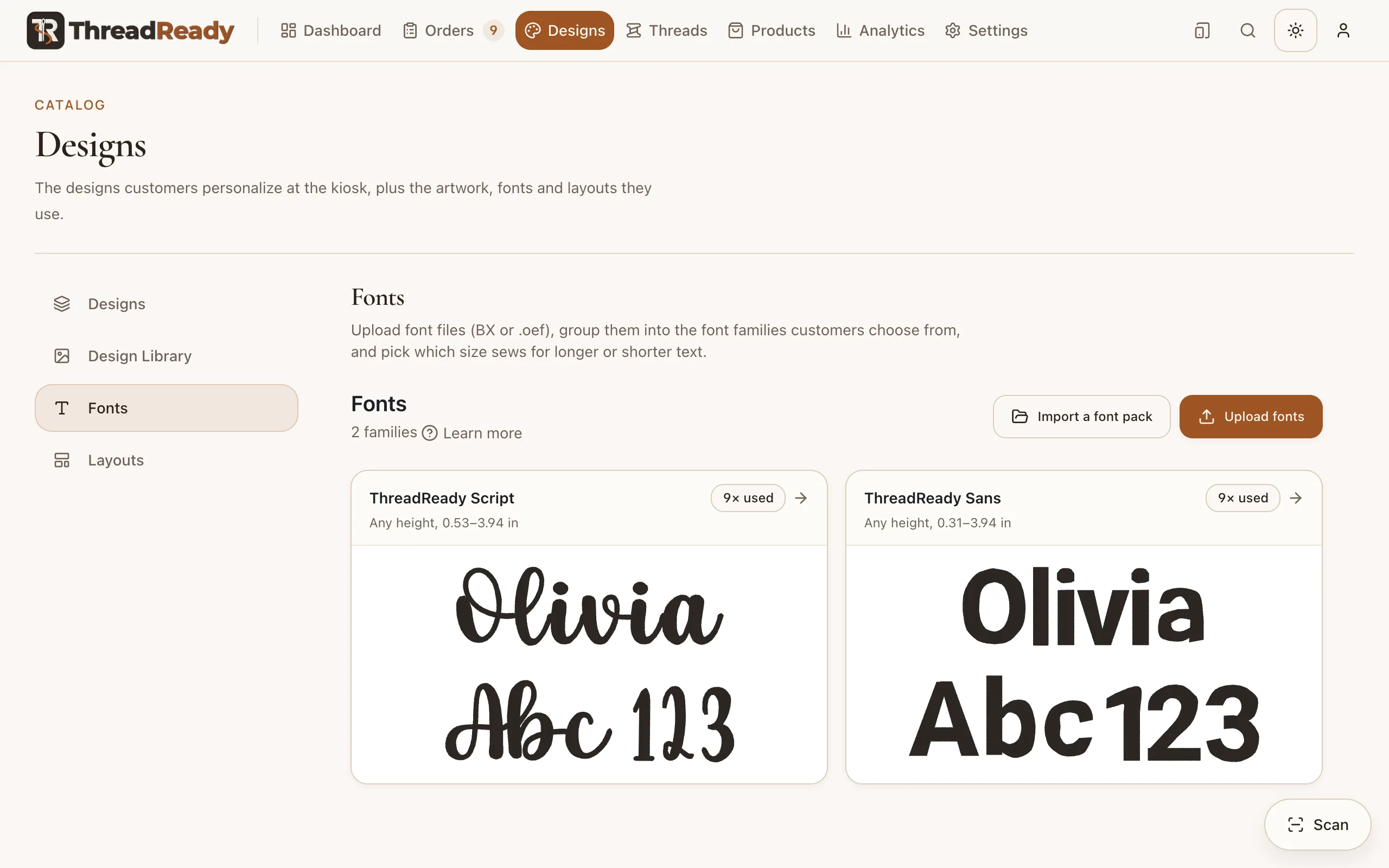
- A native (Digitizer) BX font re-sews at any height from its smallest up, so one file can cover caps to blankets. It is the easiest choice for a kiosk with many items. ThreadReady measures its smallest height after upload, and the family card shows the range, for example Any height, 0.31–3.94 in.
- A stitch BX font sews only the sizes you buy, and shrinks each to no less than 60%. Buy the sizes that cover your list without gaps. A 1, 1.5, 2 and 3 inch set covers about 0.6 to 3 inches; a single 2 inch file covers only about 1.2 to 2 inches.
- For lettering under half an inch, buy a font digitized for small sizes rather than shrinking a large one (see Small fonts you buy).
Check the letters it includes
A customer can't order a character your font can't sew: the kiosk stops at that step and says what to change. Before you buy, check the font's character list for:
- Capitals and lower case. Some fonts are capitals only. That's fine for a monogram, but not for names typed in lower case.
- Numbers, for dates, team numbers and years.
- Punctuation names use: hyphen (Mary-Kate), apostrophe (O'Brien), period (Jr.) and ampersand (Mr & Mrs).
- Accented letters for the names in your area: Zoë, José, Renée, Muñoz.
In the design editor, a field whose sample text has a character the font can't sew shows Can't stitch, so you find gaps before customers do.
Script and monogram fonts
- Script fonts should join: each letter should end where the next one starts. A good script font sets the joins for you; check the seller's sample of a whole word, not just the alphabet chart.
- Monogram fonts often have different letter forms for the left, middle and right letter. ThreadReady uses them in a monogram field (see Monogram fields).
Check the stitch quality
- Ask for a sew-out at the size you'll sell, on a fabric like yours. Towels need a different finish from a dress shirt.
- Small sizes need lighter stitching. Ask what underlay the font uses at its smallest size and whether it was made for 40 wt or 60 wt thread.
- Look at the back of the sew-out, if the seller shows it: lots of jumps and trims between letters slow the machine down on every order.
Check the licence
Read the licence before you buy. A kiosk sells stitched items to the public, so you need a licence that allows commercial use of the stitched result. Most embroidery font licences do, and most forbid sharing or reselling the font file itself.
ThreadReady keeps the font inside your shop: customers only see it sewn on their design, never the file. Converting it to the open format doesn't change its licence (see OEF and OED files).
Try it before customers see it
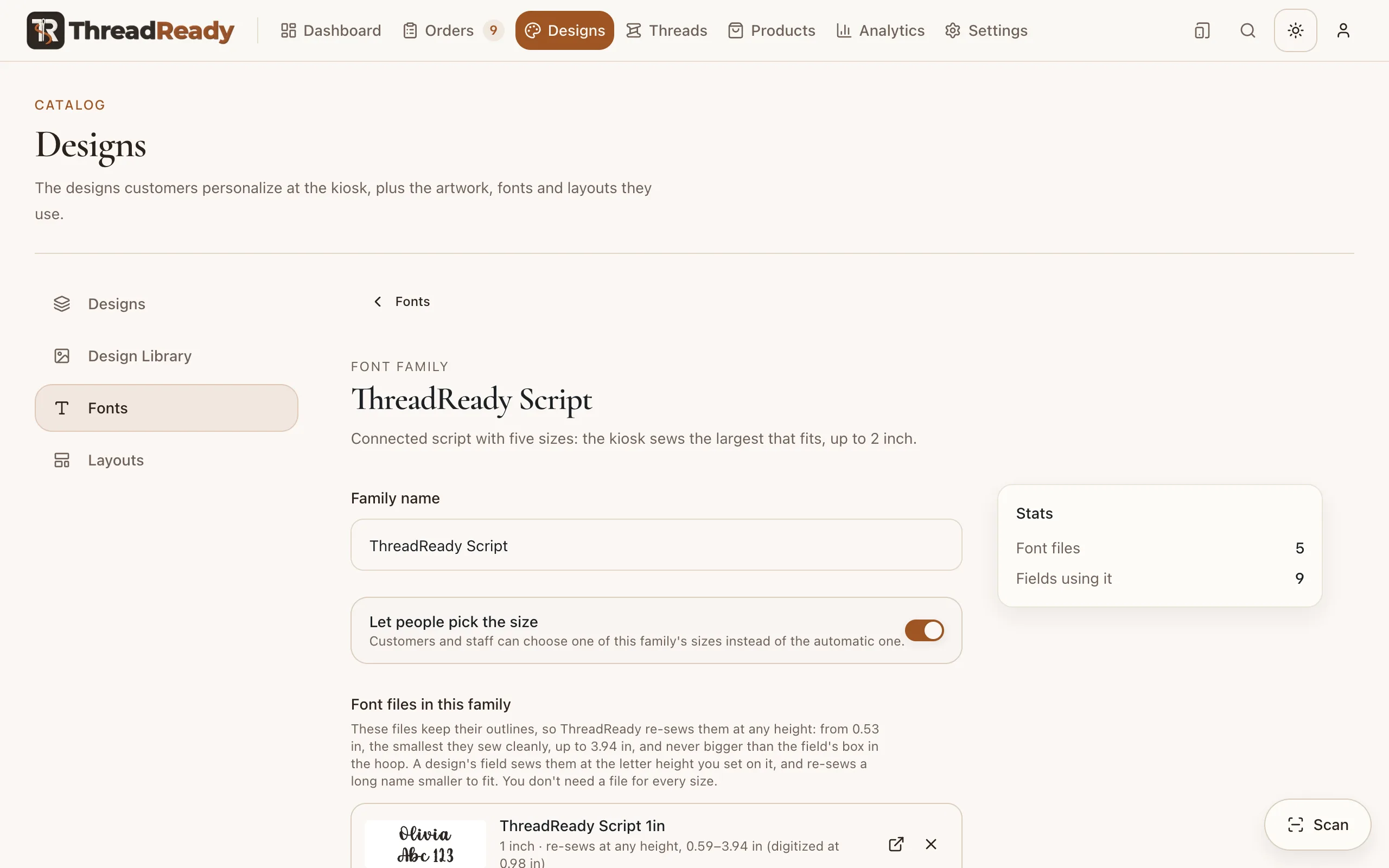
- Upload it as a draft. Go to Designs → Fonts, click Upload fonts, and leave Publish now unticked. Upload every size of a stitch font together and they land in one family.
- Check the family card. It shows the heights the font sews: a range for a native font, the sizes for a stitch font. Wait for smallest still being measured to go: a minute or two for most fonts, longer for large native ones.
- Type difficult names in the font page's Text preview: long names (Christopher), wide letters (WWW), tall and deep ones (Ashley, Jaylynn), and accents.
- Try it in a design. Put the family on a field in the design editor: the preview and fit check use draft fonts, so you see whether names fit the box at your sizes.
- Sew a test of a name at each size you'll sell.
- Publish it. Open the family and click Publish all drafts, or set each file's Status to Published.
Related
- Fonts: uploading, families, sizes and publishing, in full.
- Make your own font from stitch files: when the alphabet you want comes as letter designs instead.